
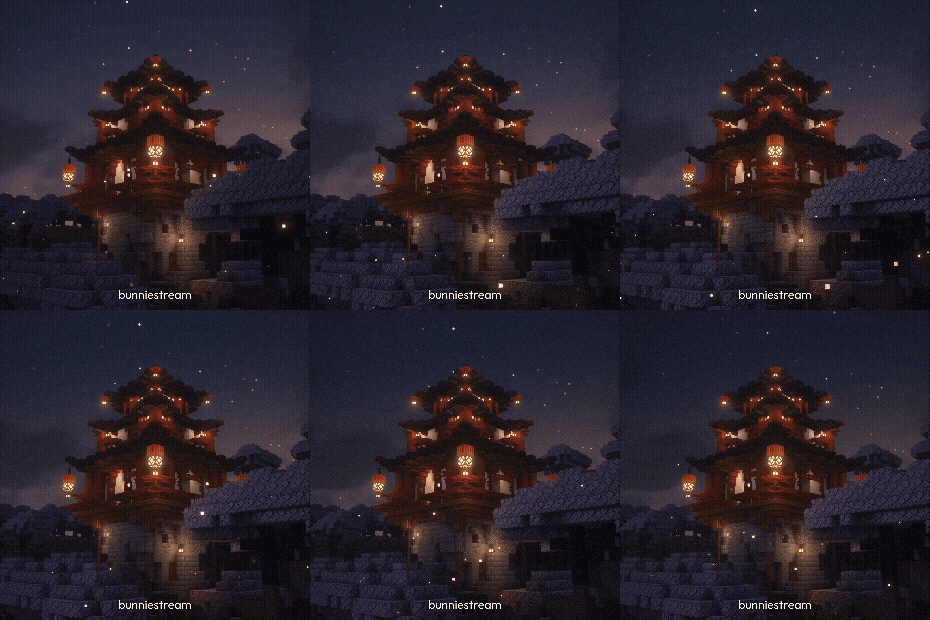

Lantern valleys
Night paths lit by floating fire — follow the glow between ridges.


24 Fabric mods. Terrain worth walking.
v1.0.0 · Fabric · 24 mods · 1.21.11
Biome Journey reshapes the overworld with curated Fabric mods — same vanilla soul, new ground under your feet. 24 mods on Minecraft 1.21.11.
Night paths lit by floating fire — follow the glow between ridges.
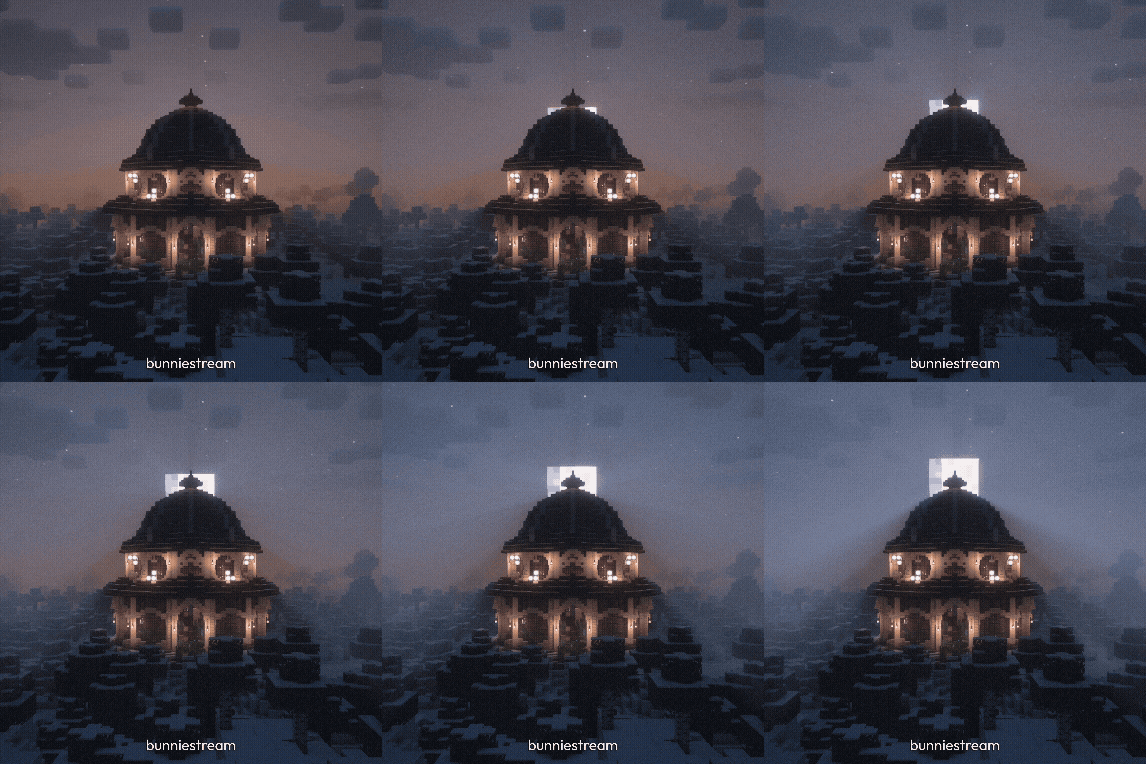
Ancient canopy where the journey begins. Roots older than the map.
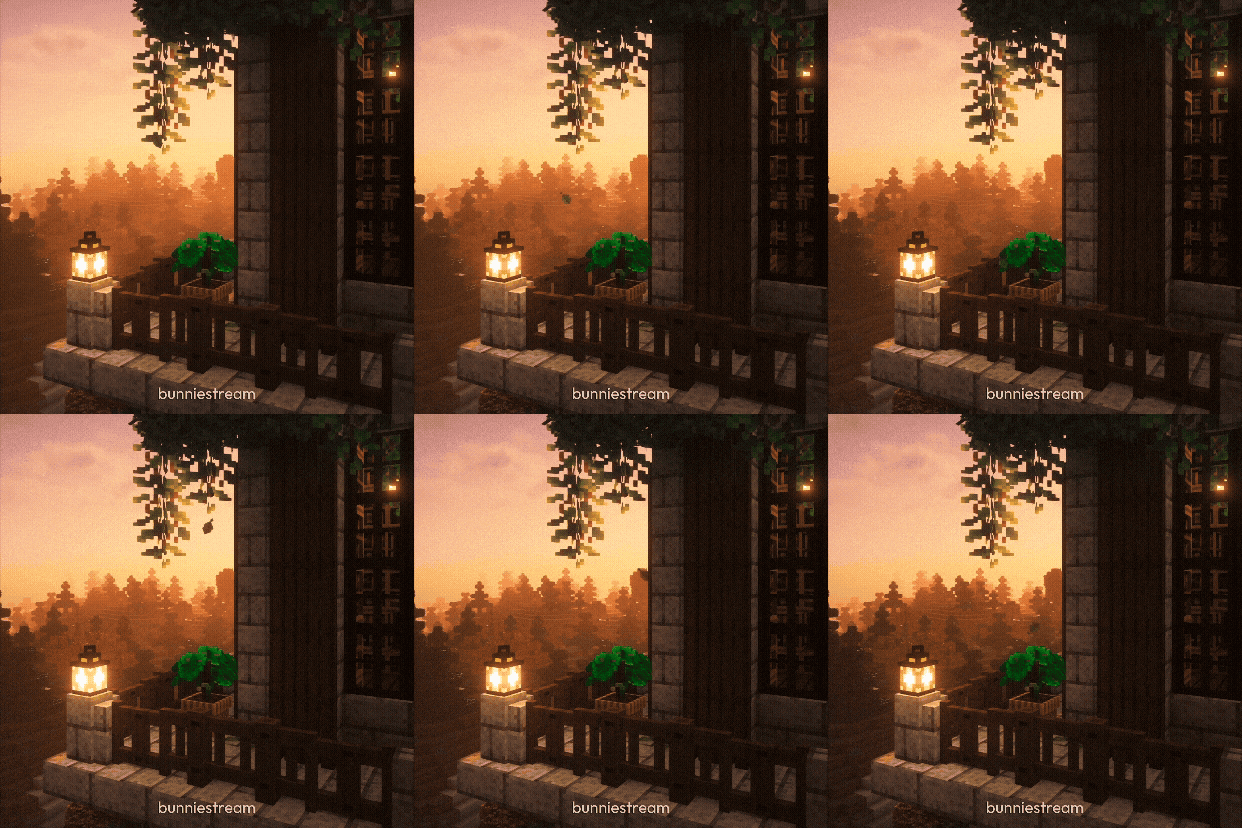
Warm horizons past the next ridge. Pack light; the leaves keep falling.
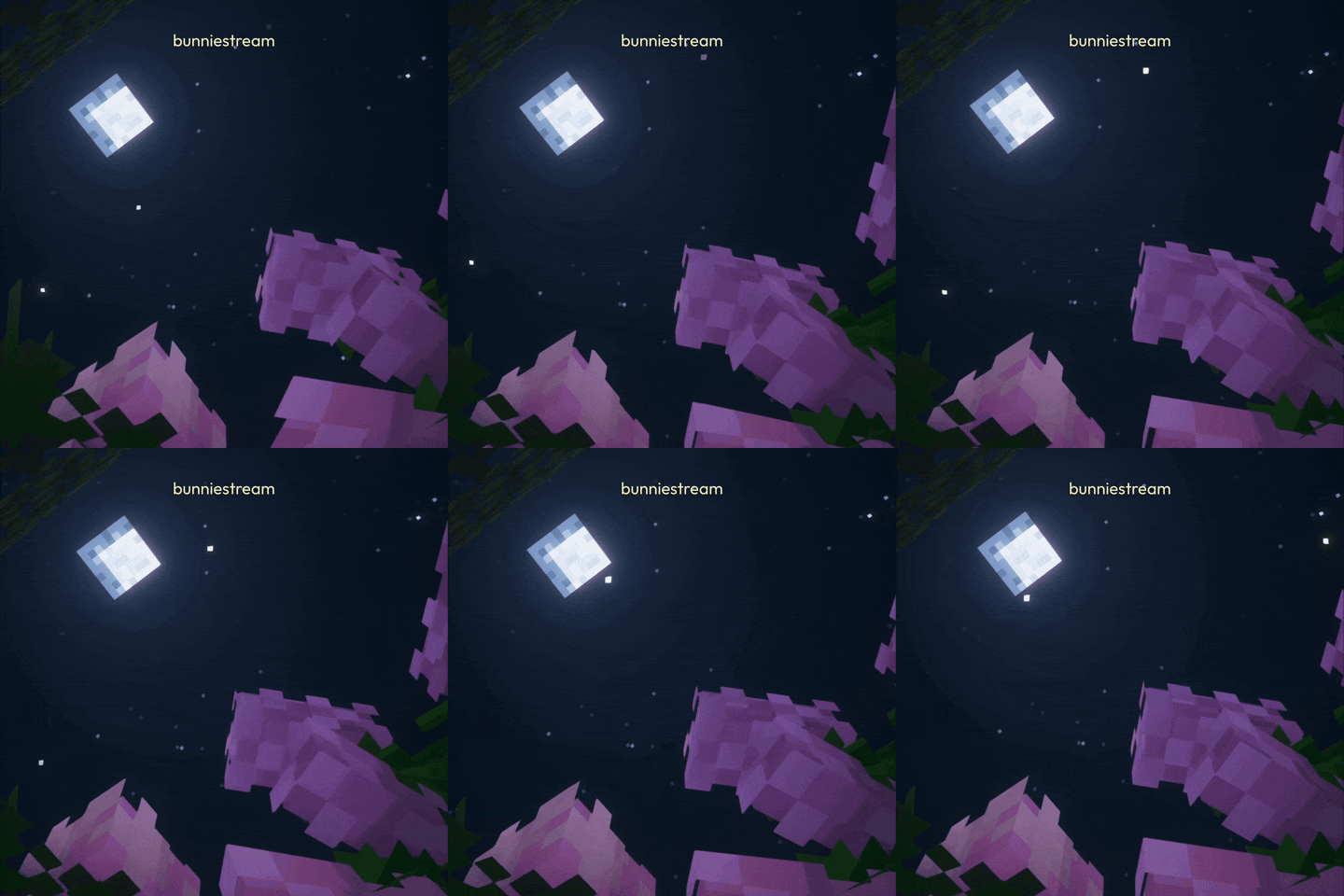
Quiet clearings under a soft sky — room to breathe between biomes.
Featured CurseForge biome and region mods (highlights, not a full pack manifest). Open each files page — match Fabric and your Minecraft version.
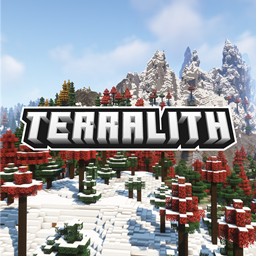 Terralith95+ overworld biomes and caves.
 Nature's SpiritReal-world inspired biomes and blocks.
 Regions UnexploredRegional biomes across the overworld.
 Biomes O' PlentyClassic large biome expansion.
 Oh The Biomes We've GoneSuccessor-style biome overhaul.
 Oh The Biomes You'll GoBYG biomes for modern versions.
 TerrablenderBiome placement API for multi-mod worlds.
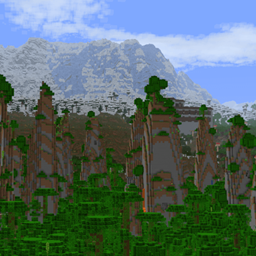 TectonicContinental-scale terrain height.
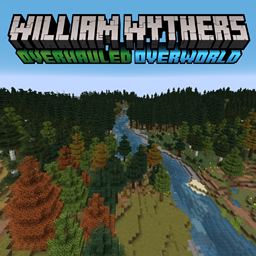 William Wythers' Overhauled OverworldRealistic overworld reshaping.
 GeophilicVanilla biome polish and variety.
 PromenadeGentle biome and tree additions.
 TraverseAutumnal and plains biomes.
 TerrestriaFabric biomes with new wood sets.
 BetterEndEnd dimension biomes and islands.
 BetterNetherNether biomes and structures.
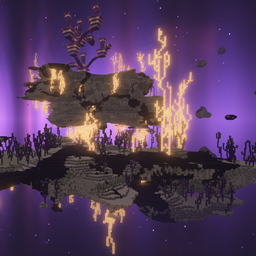 NullscapeEnd terrain overhaul.
 IncendiumNether biomes and fortresses.
 StructoryBiome-fitting structures.
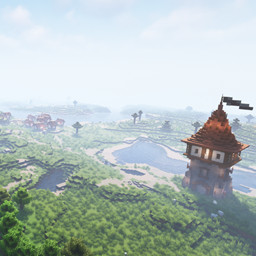 Towns and TowersVillages themed to biomes.
 YUNG's Better Ocean MonumentsReworked ocean monuments.
 Nature's CompassLocate biomes with a compass.
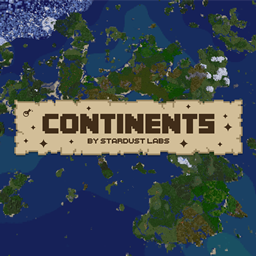 ContinentsLarger landmasses and oceans.
 CinderscapesNether biome expansion.
 Wilder WildWilder vanilla biomes and fauna.
Four steps. After that, updates are just files in a folder.
Download the Fabric installer, run it, select Minecraft 1.21.11, then Install. Your launcher gets a fabric-loader profile.
fabricmc.net/use/installerFabric API is required. Download the .jar for your Minecraft version from Modrinth.
modrinth.com/mod/fabric-apiPress Win + R, type %appdata%\.minecraft\mods and hit Enter. Create the folder if it is missing.
Download the modpack, place the mods next to Fabric API, then launch Minecraft with the Fabric profile.